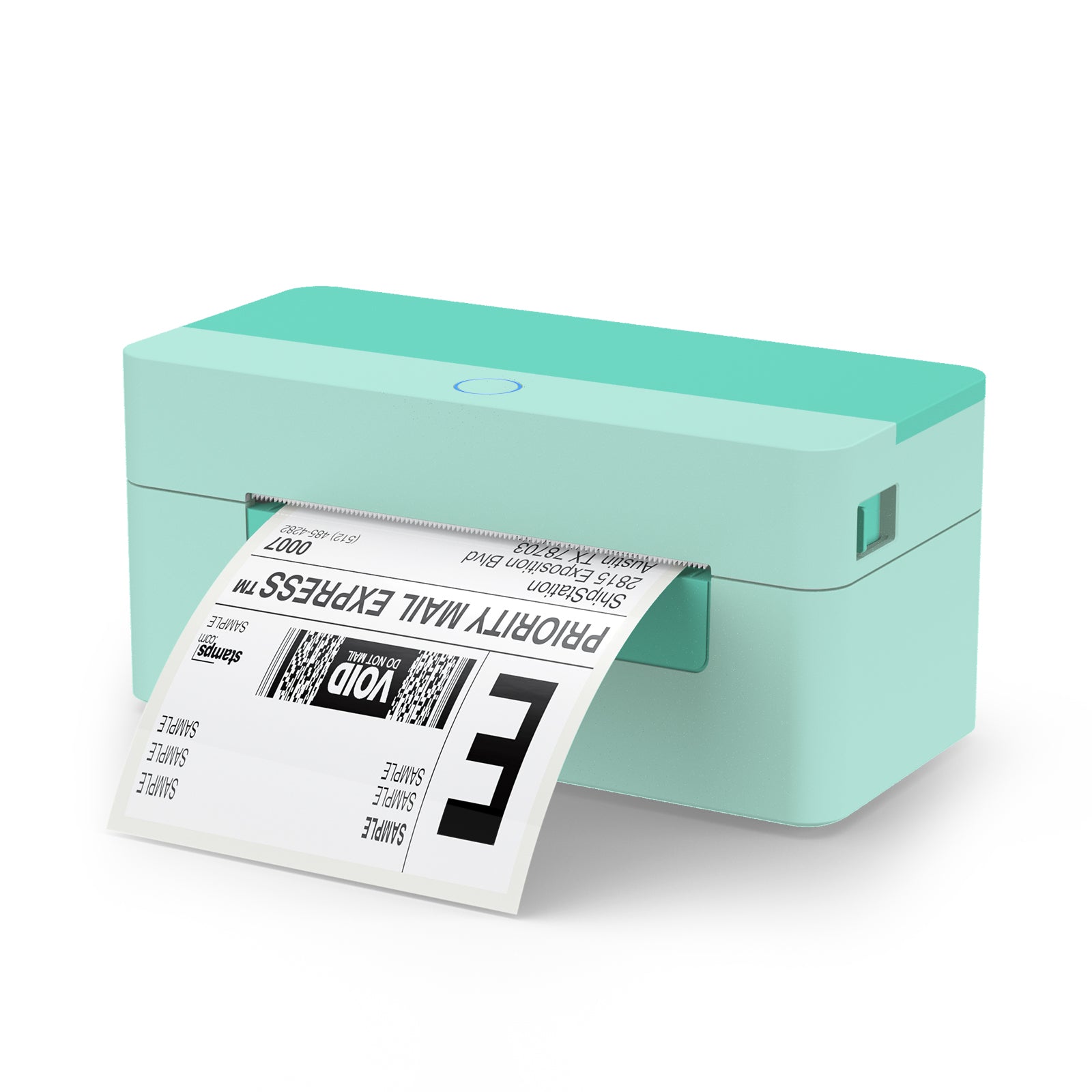
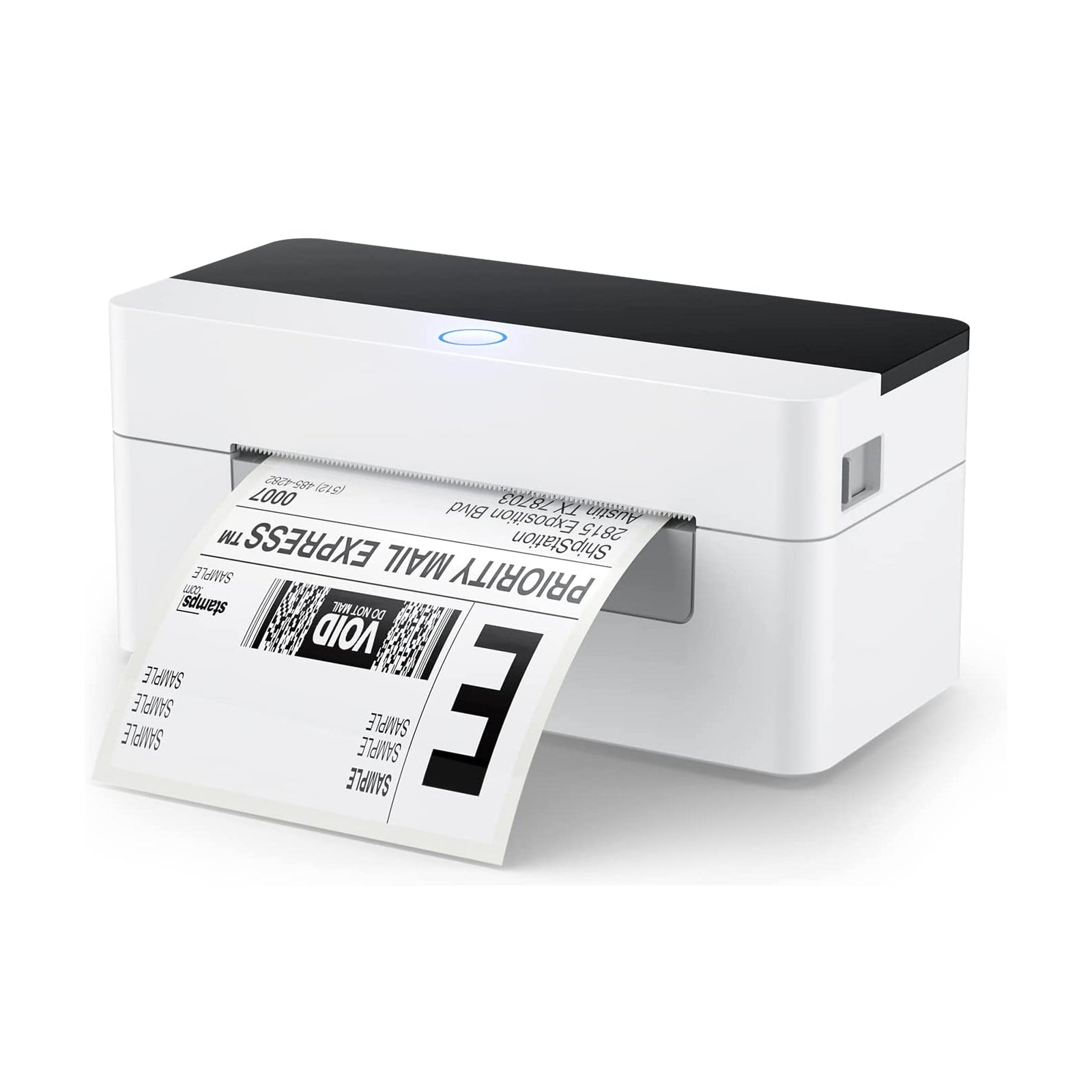
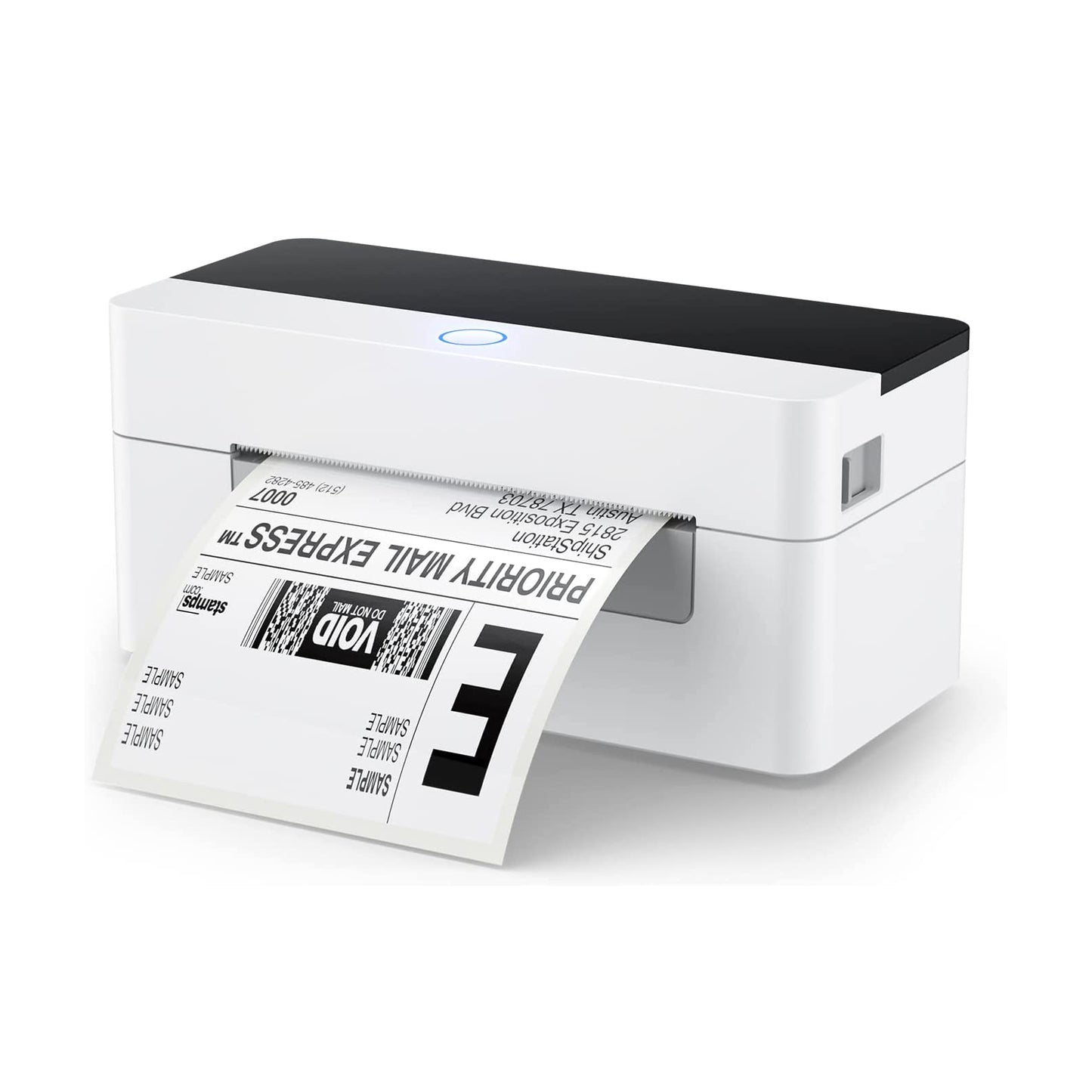
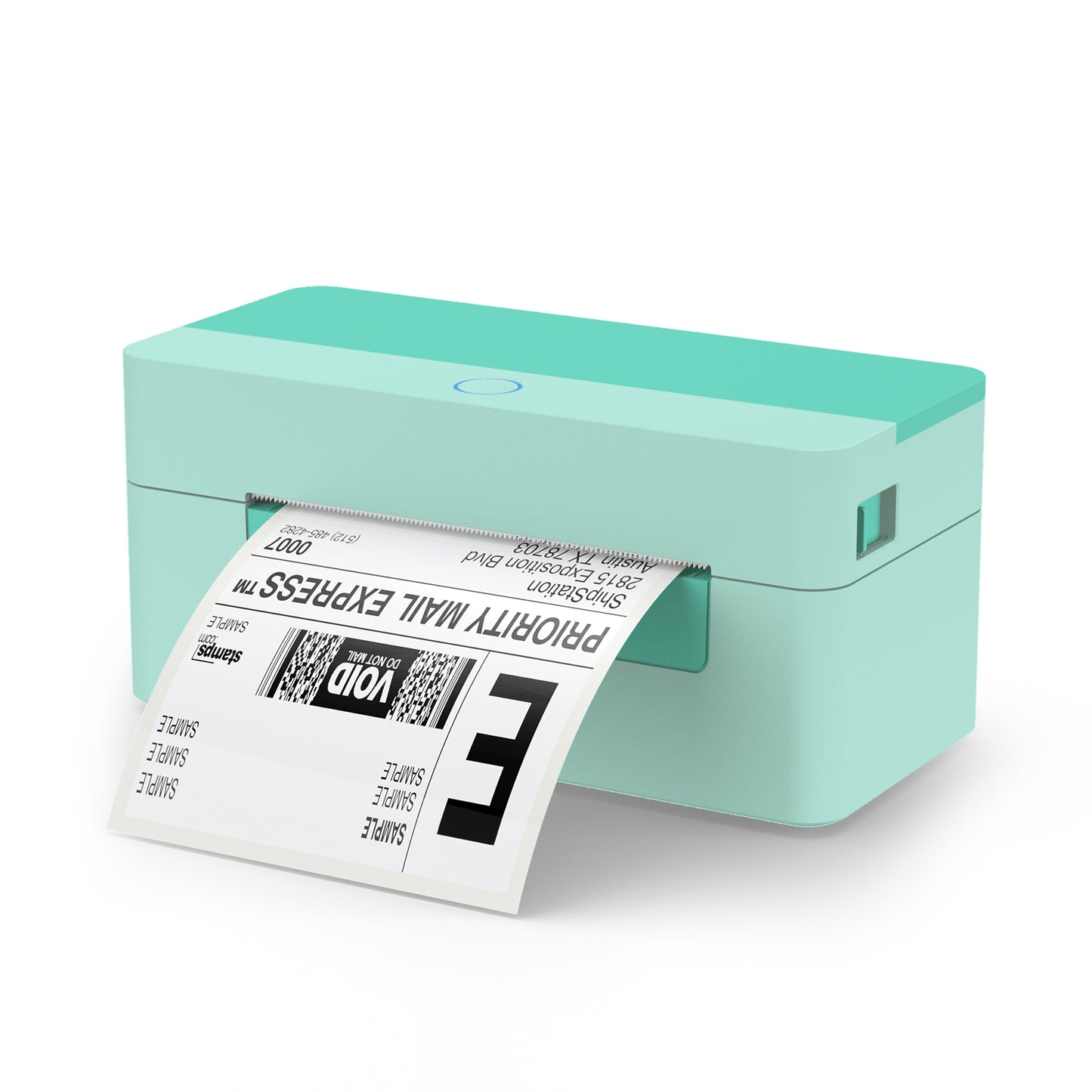
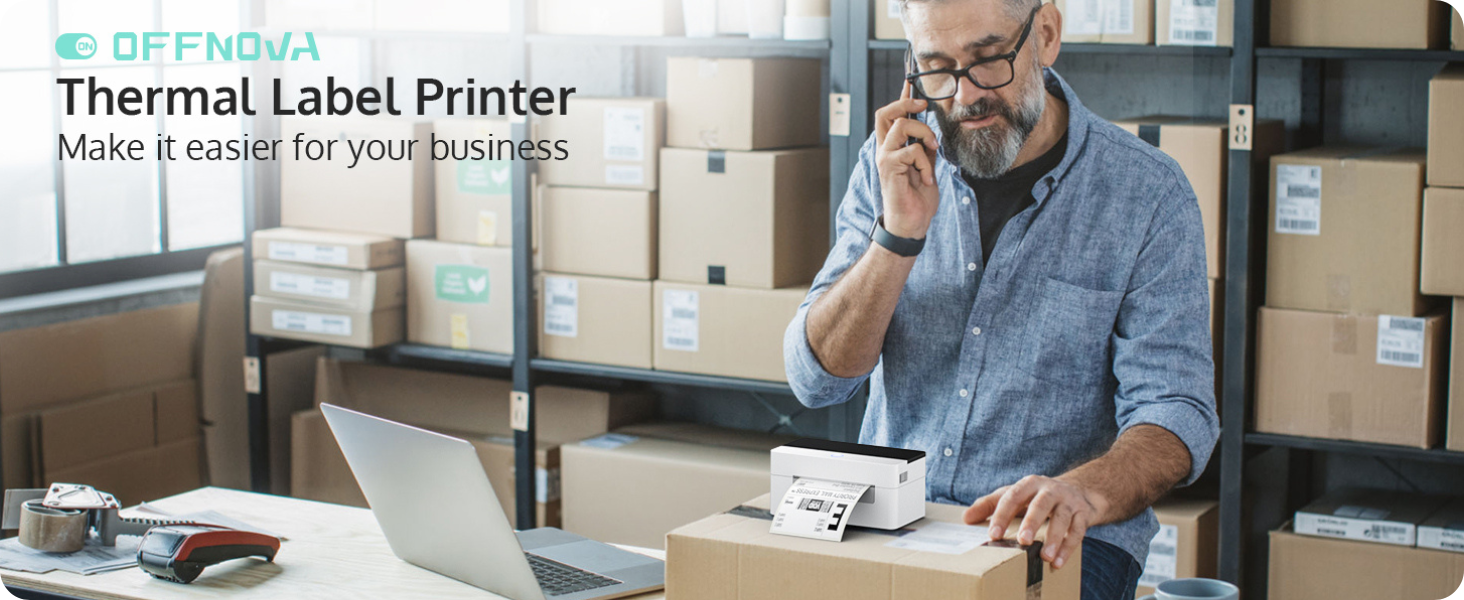
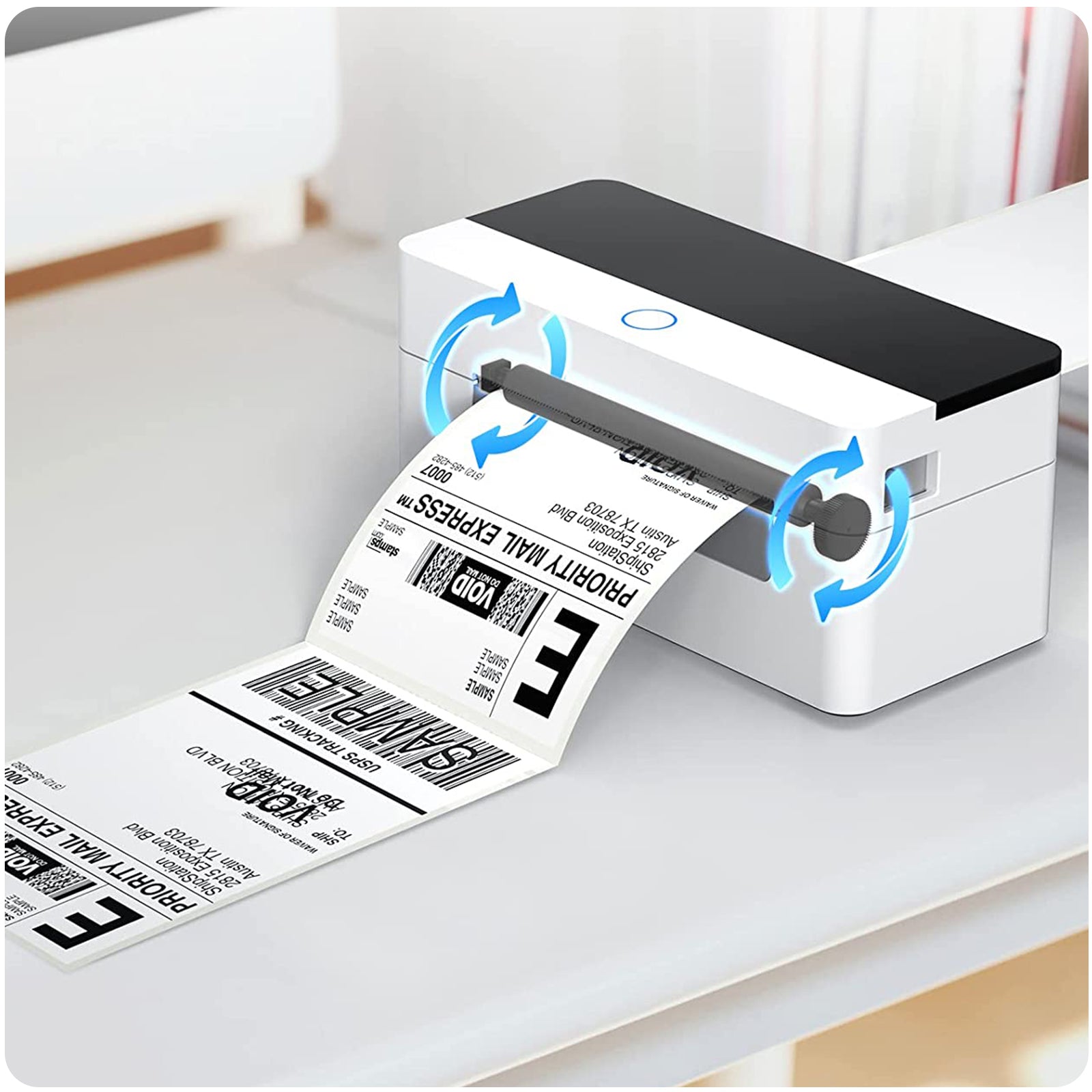
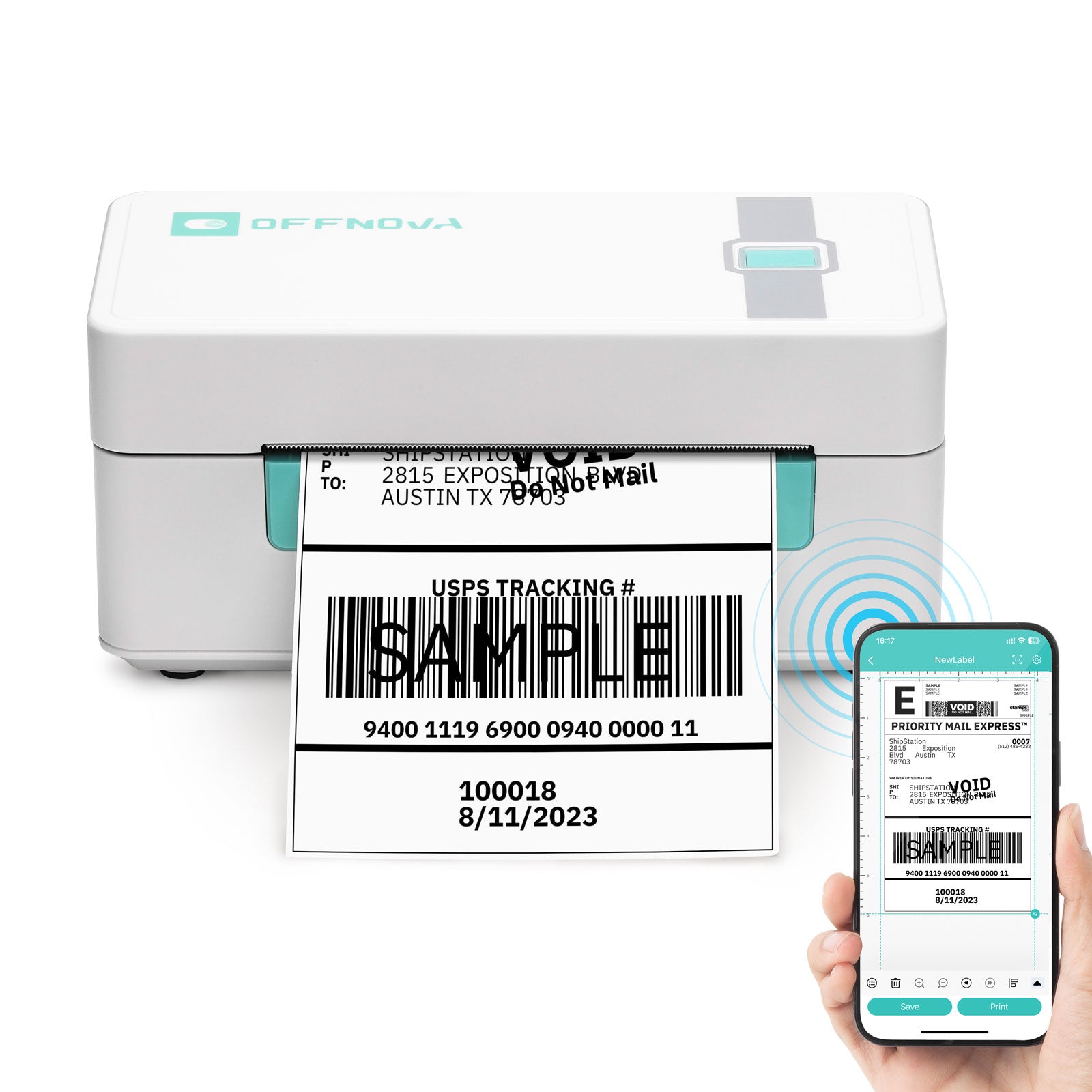
The OFFNOVA 4B-2054N 4" x 6" thermal label printer is a high-speed, ink-free shipping label printer for small business owners, online sellers, and eCommerce entrepreneurs. Designed for accuracy, efficiency, and long-hour operation, this thermal shipping label printer helps you print professional labels faster and at a lower cost.
Stable USB Thermal Label Printer for Multiple Operating Systems
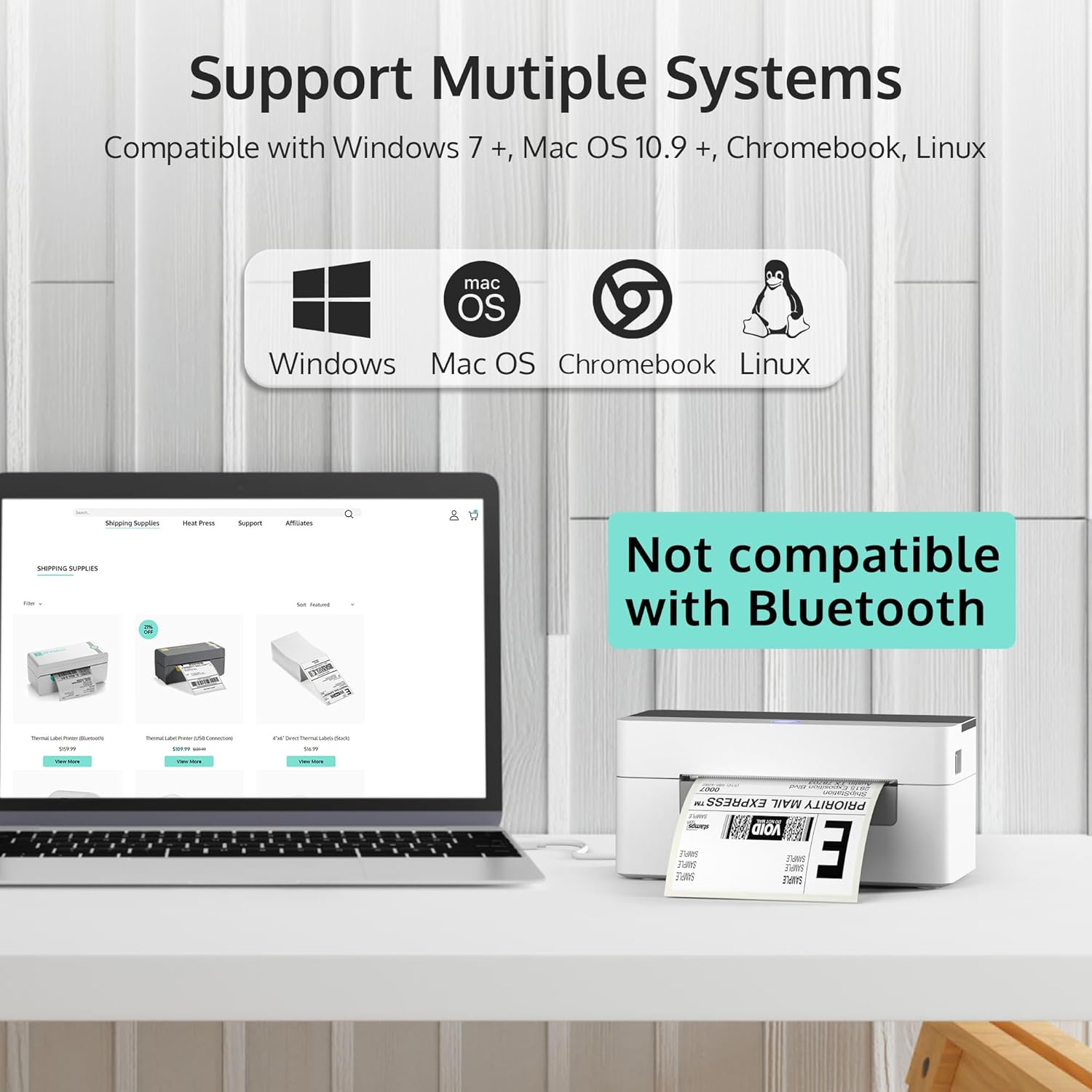
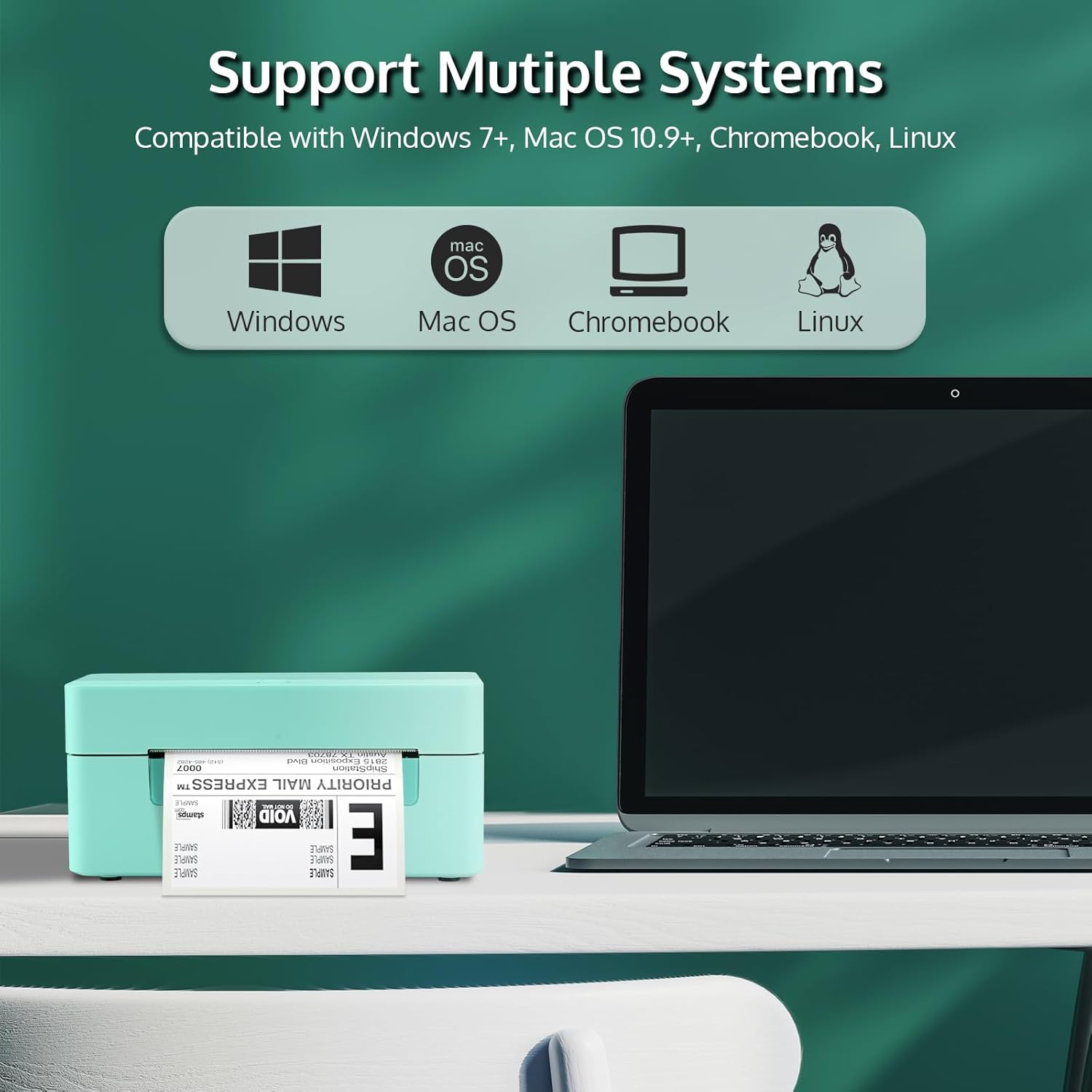
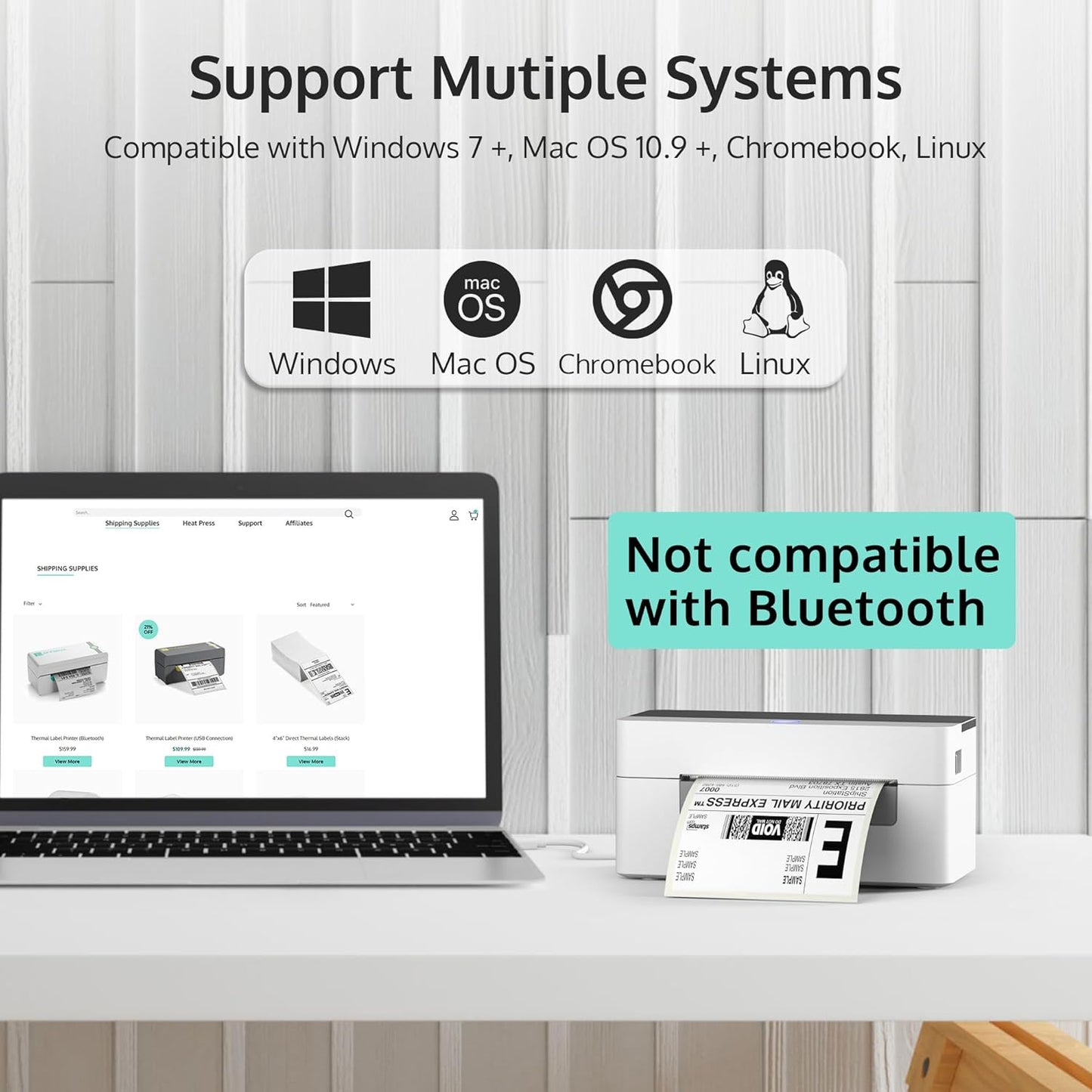
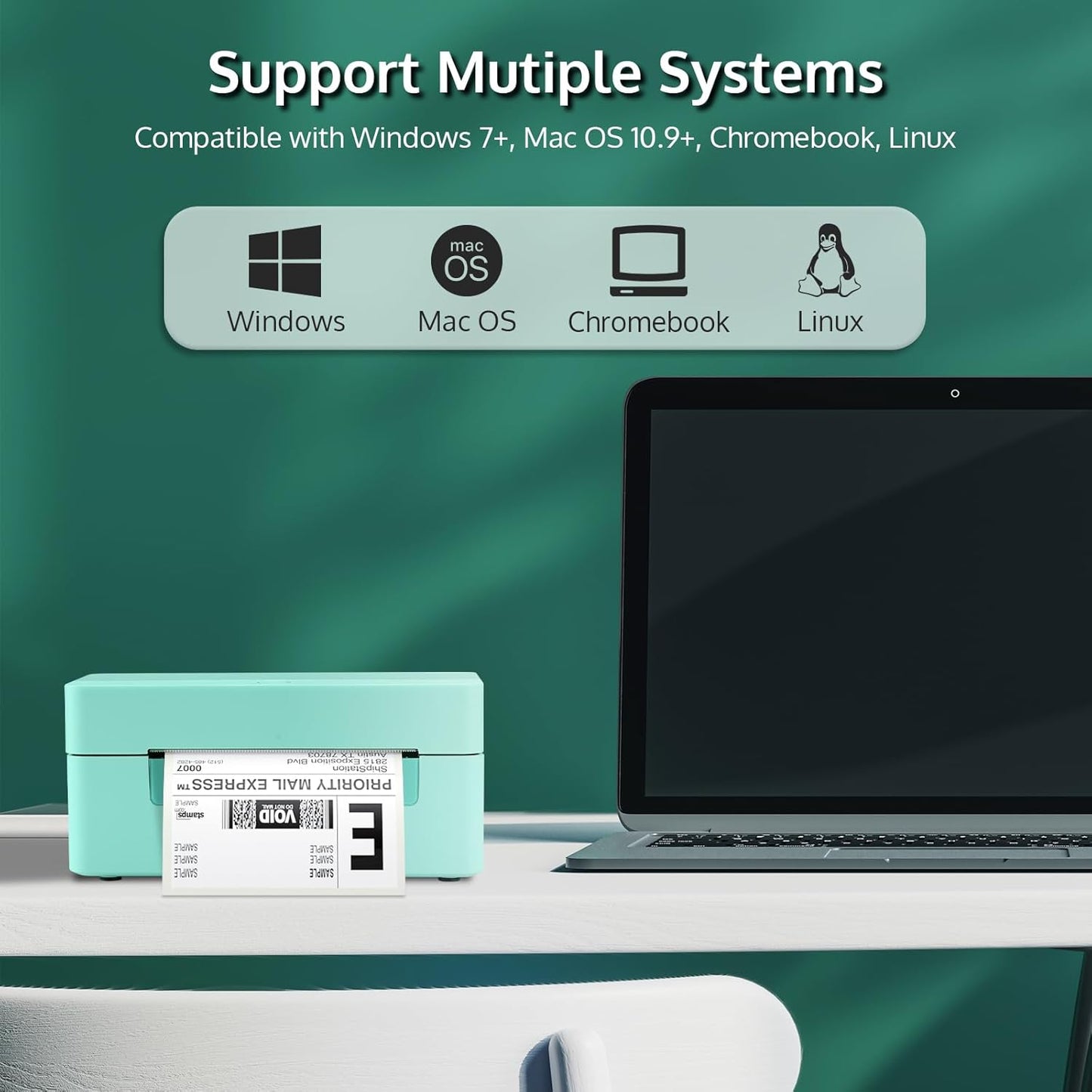
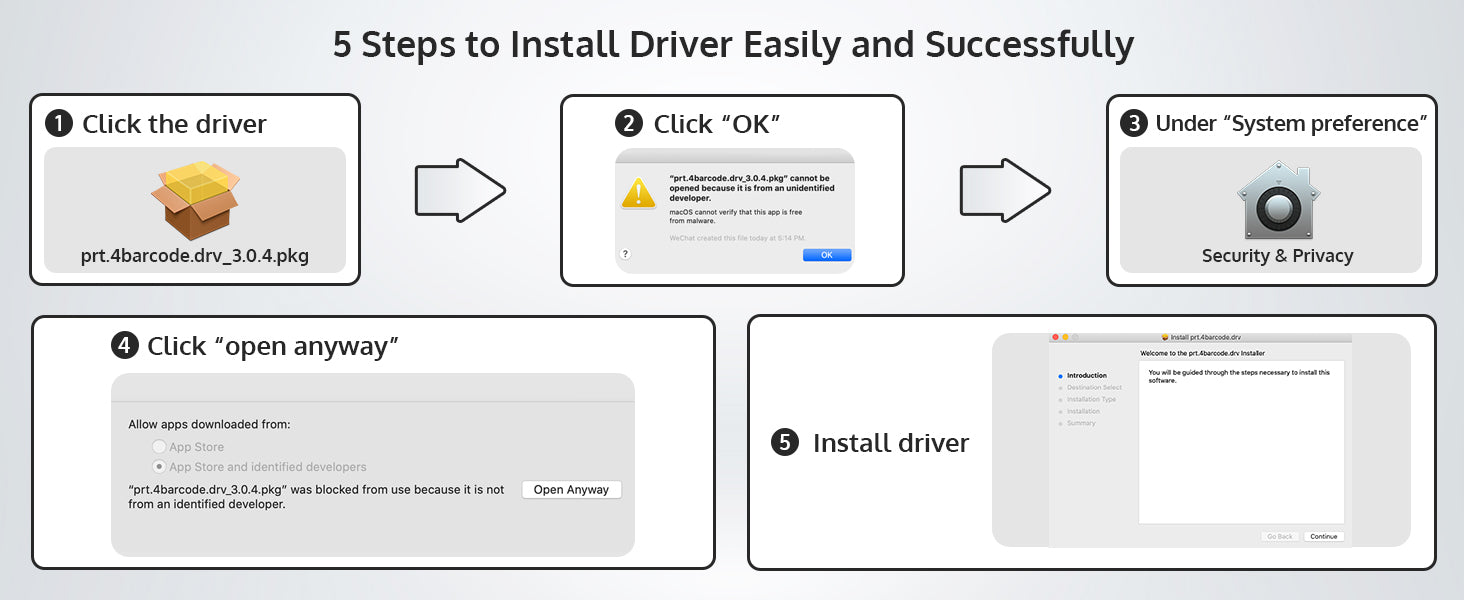
This USB thermal label printer provides a stable wired connection, ensuring consistent and interruption-free label printing. It supports Windows, Mac, Chromebook, and Linux, making it an excellent shipping label printer for computer-based workflows. Simply download the driver from the OFFNOVA official website, connect via USB, and start printing.
⚠️ Bluetooth and Wi-Fi are not supported, ensuring faster data transmission and fewer connection errors.
4x6 Shipping Label Printer Supporting Multiple Label Sizes
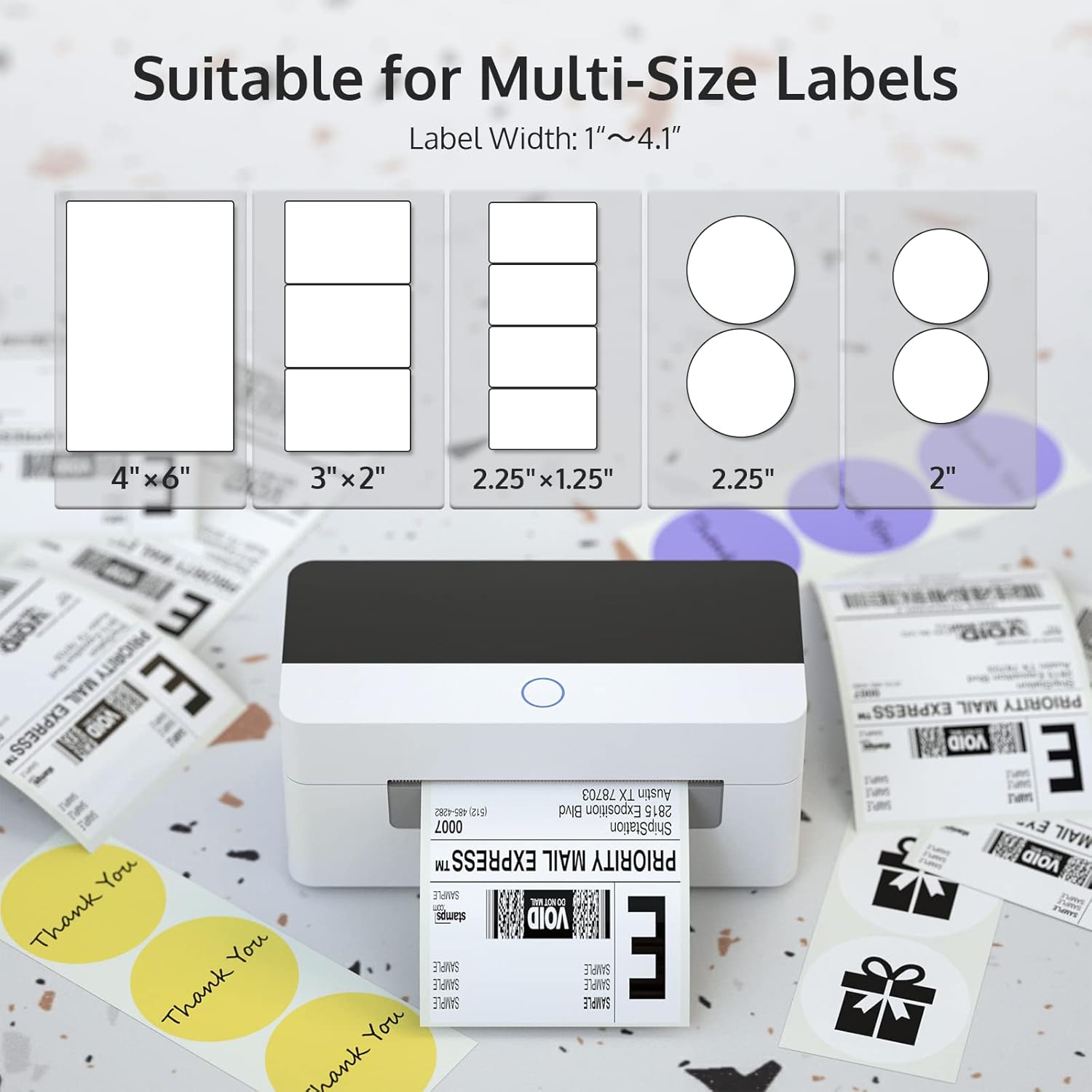
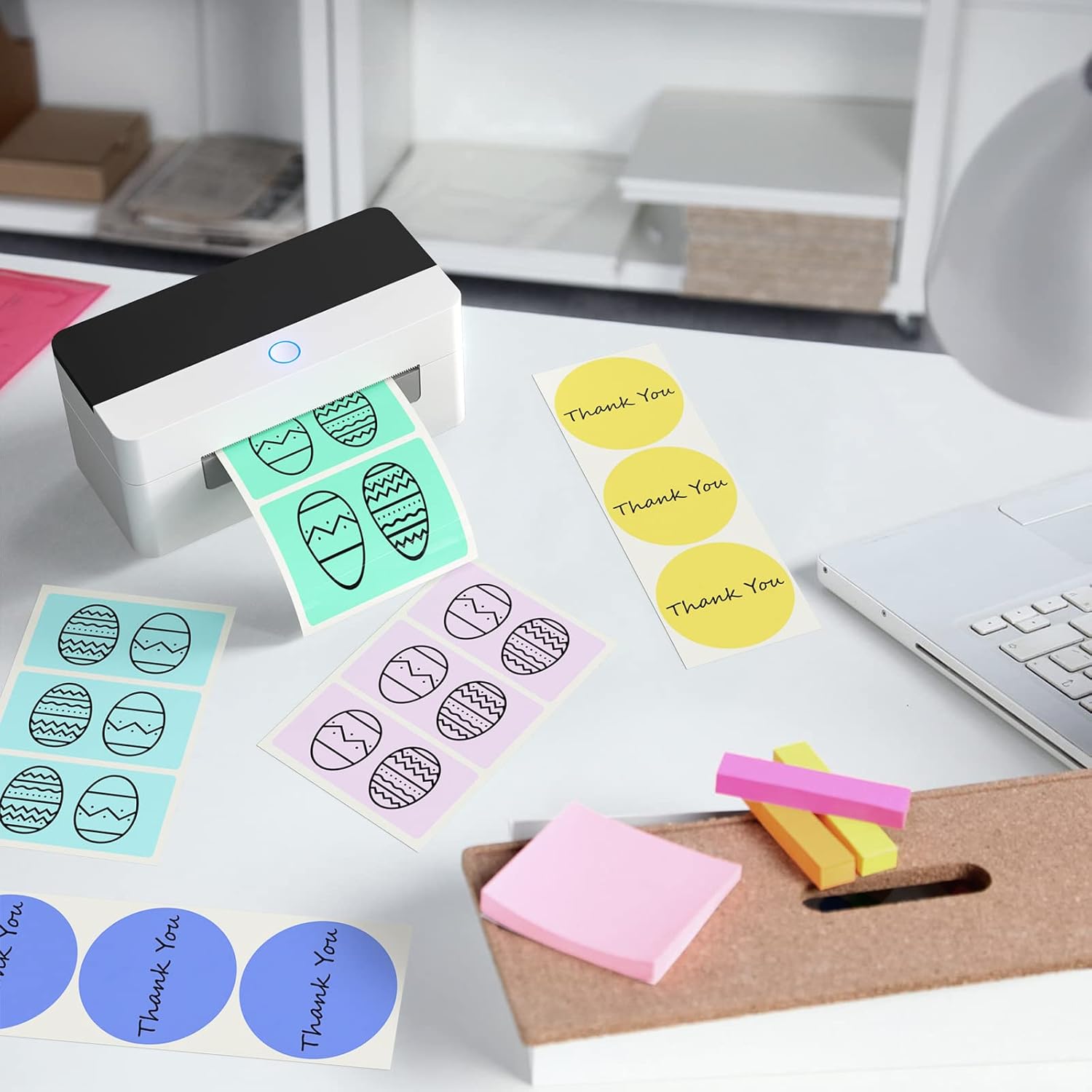
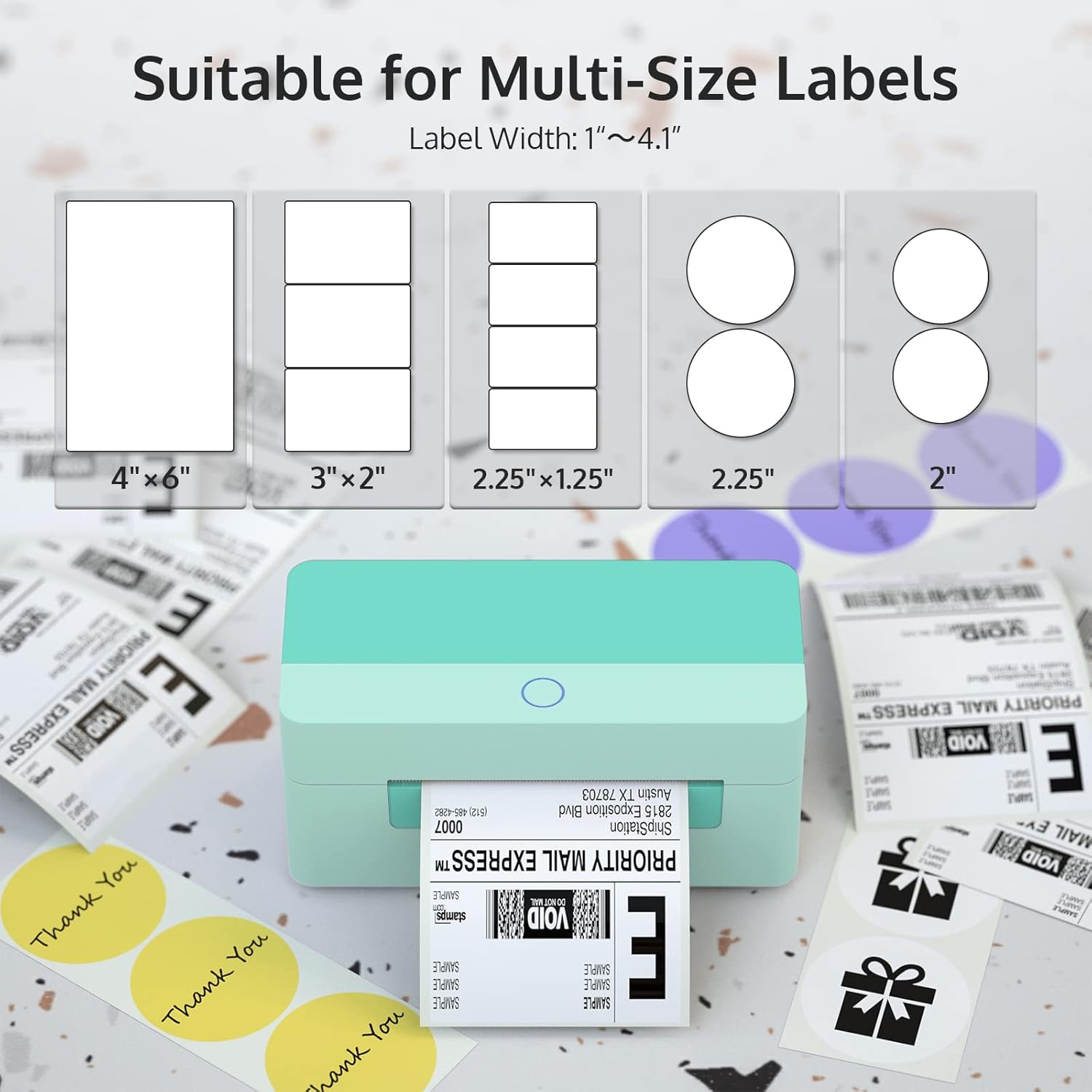
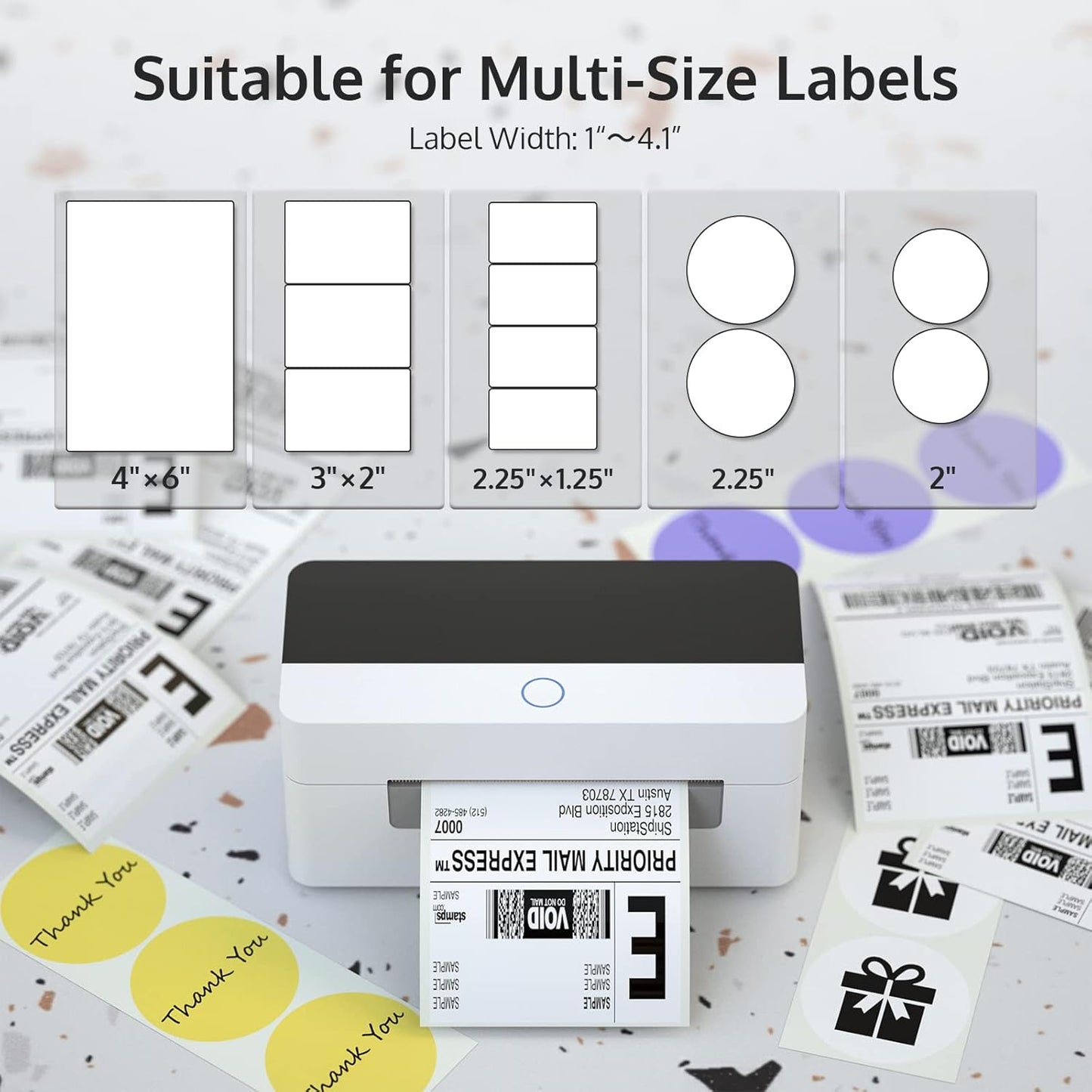
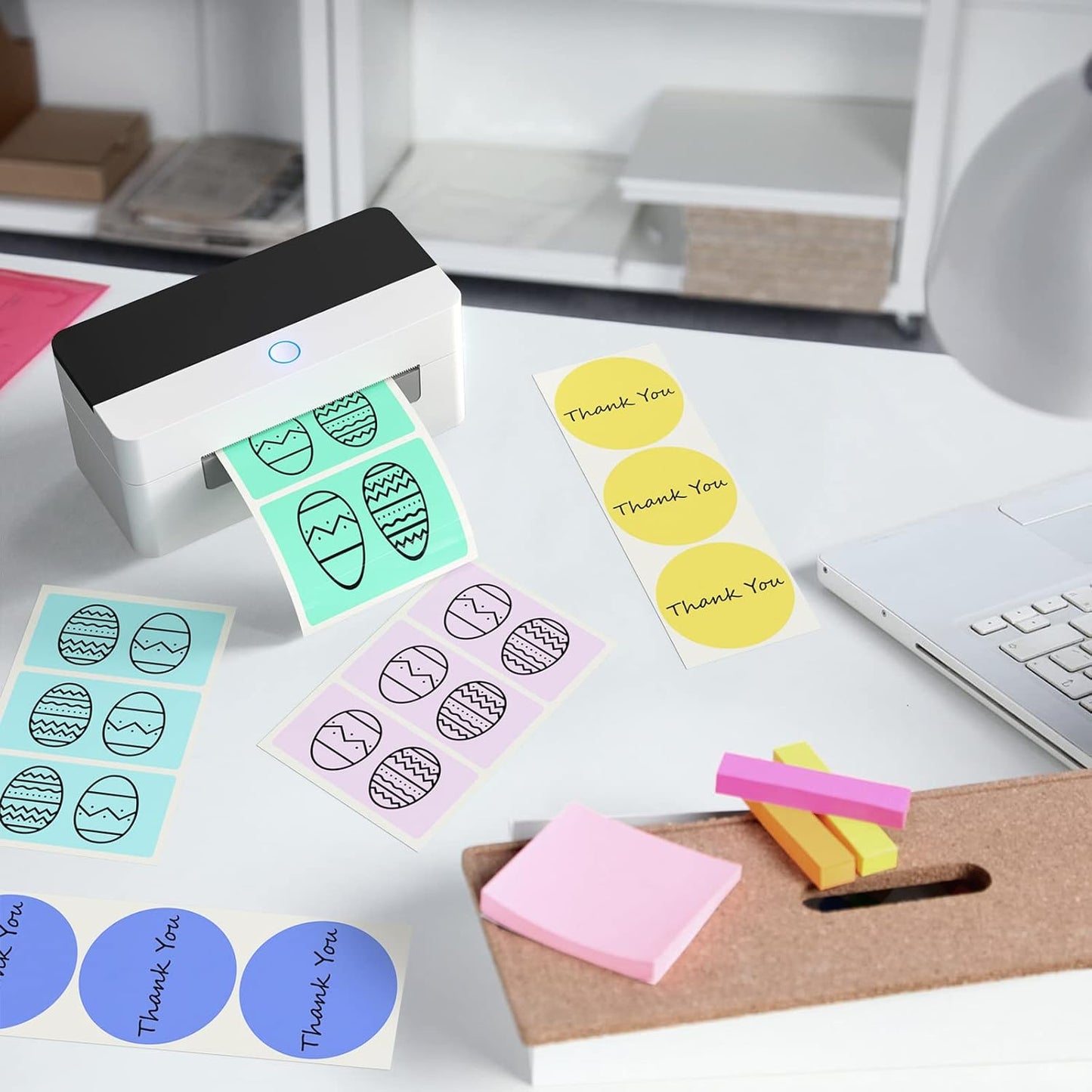
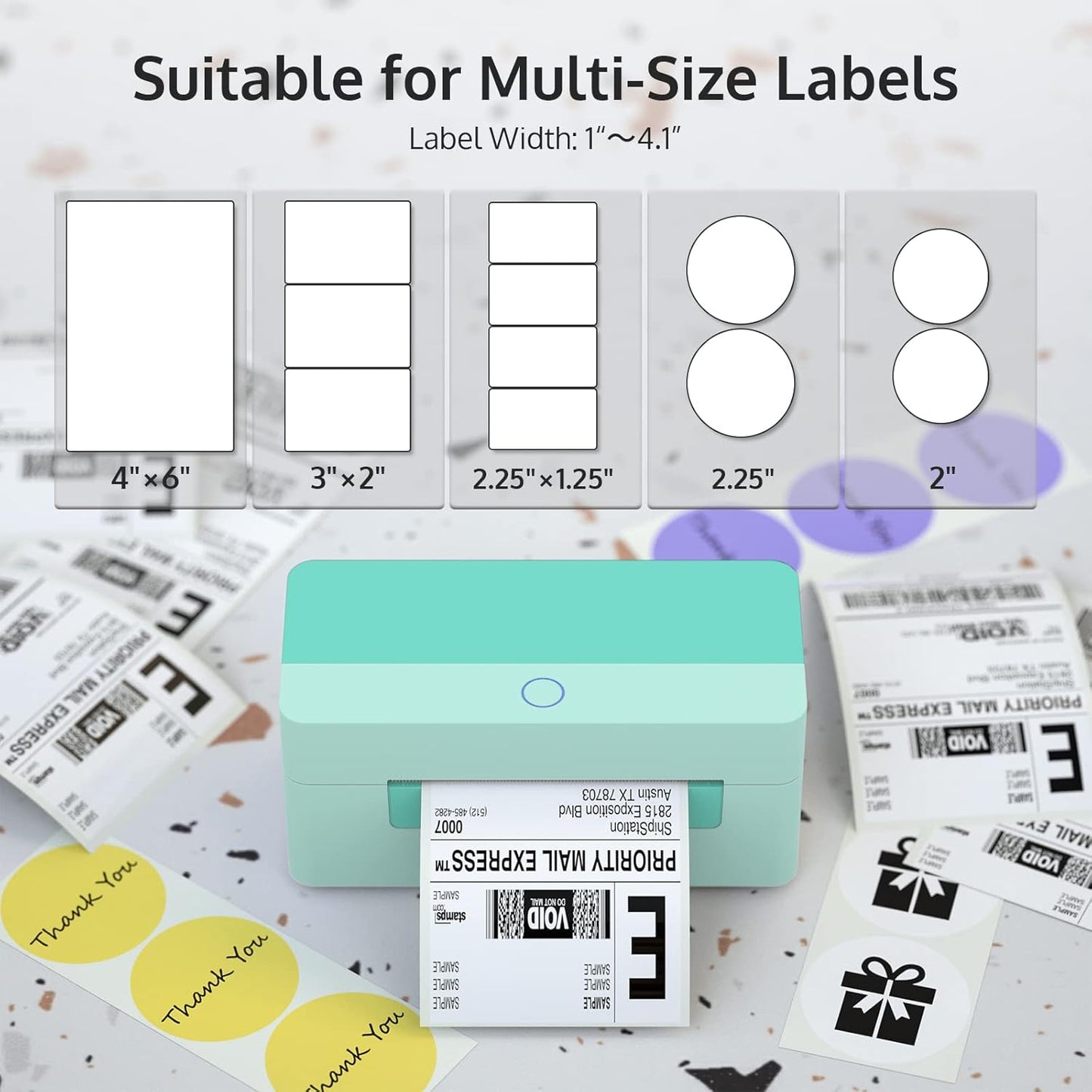
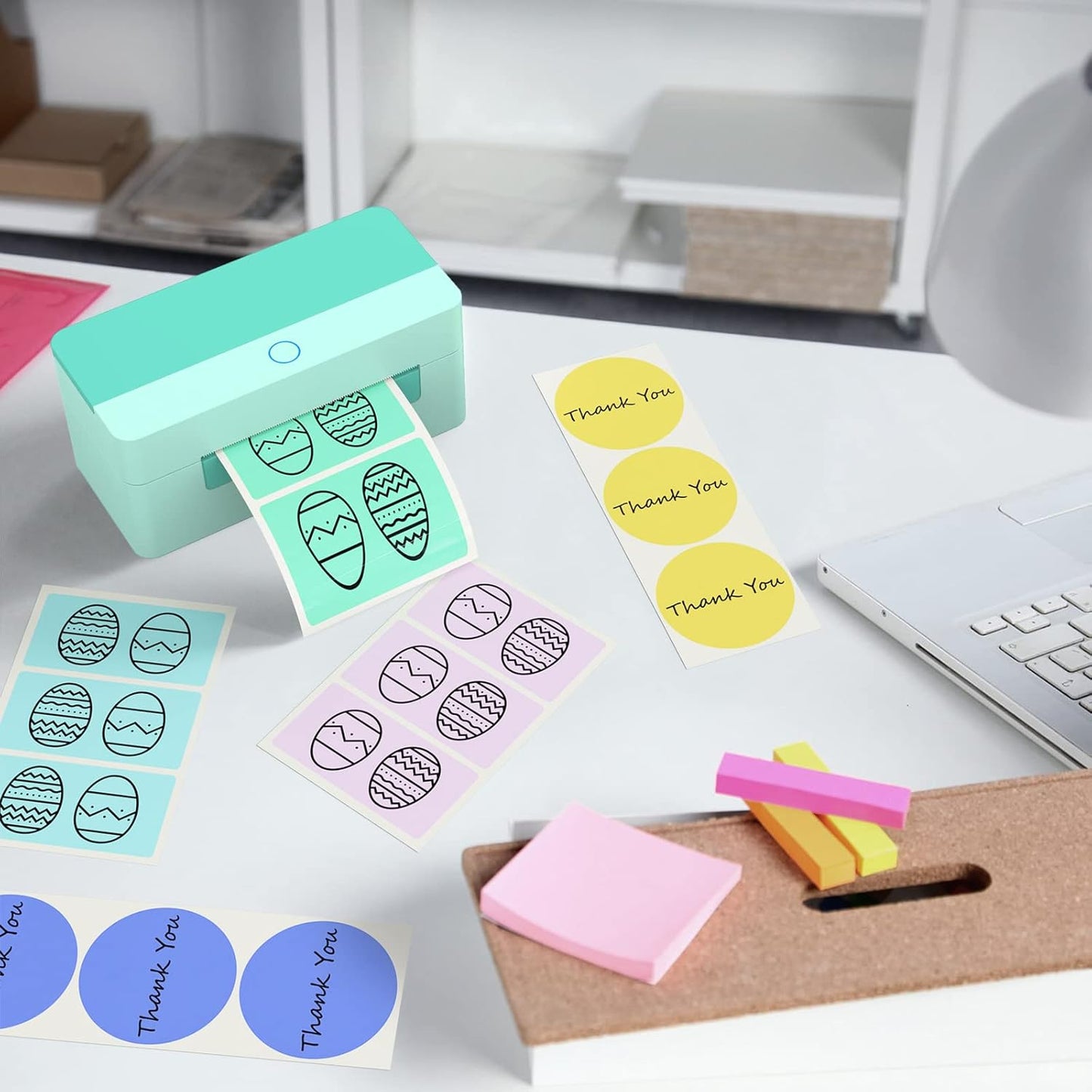
Powered by direct thermal printing technology, this 4x6 shipping label printer supports paper widths from 1.57" to 4.1", covering:
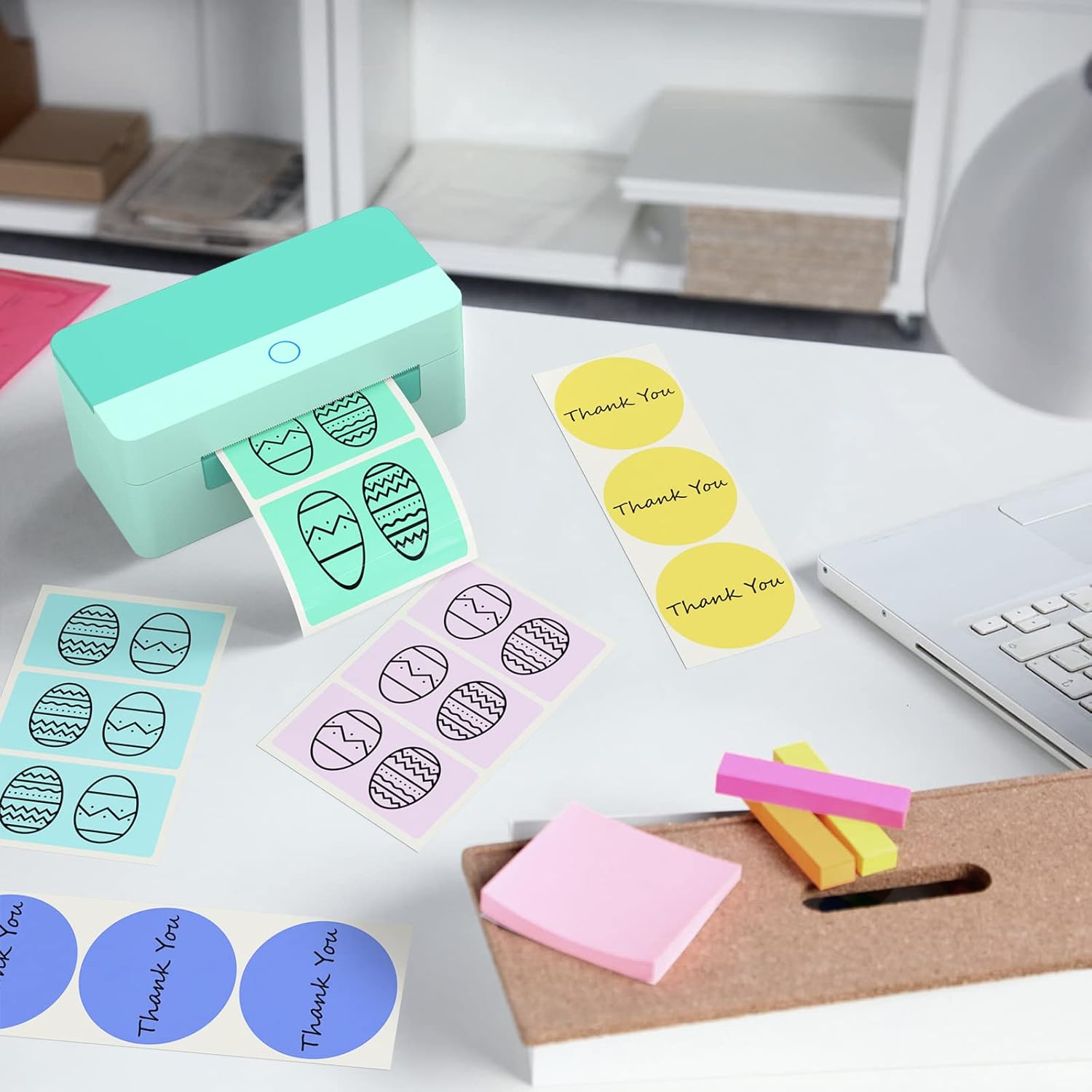
4" x 6" shipping labels | Address labels | Warehouse barcode labels | Product and SKU labels
As an inkless thermal label printer, it eliminates ongoing costs for ink, toner, and ribbons—making it a cost-effective label printer for small business shipping.
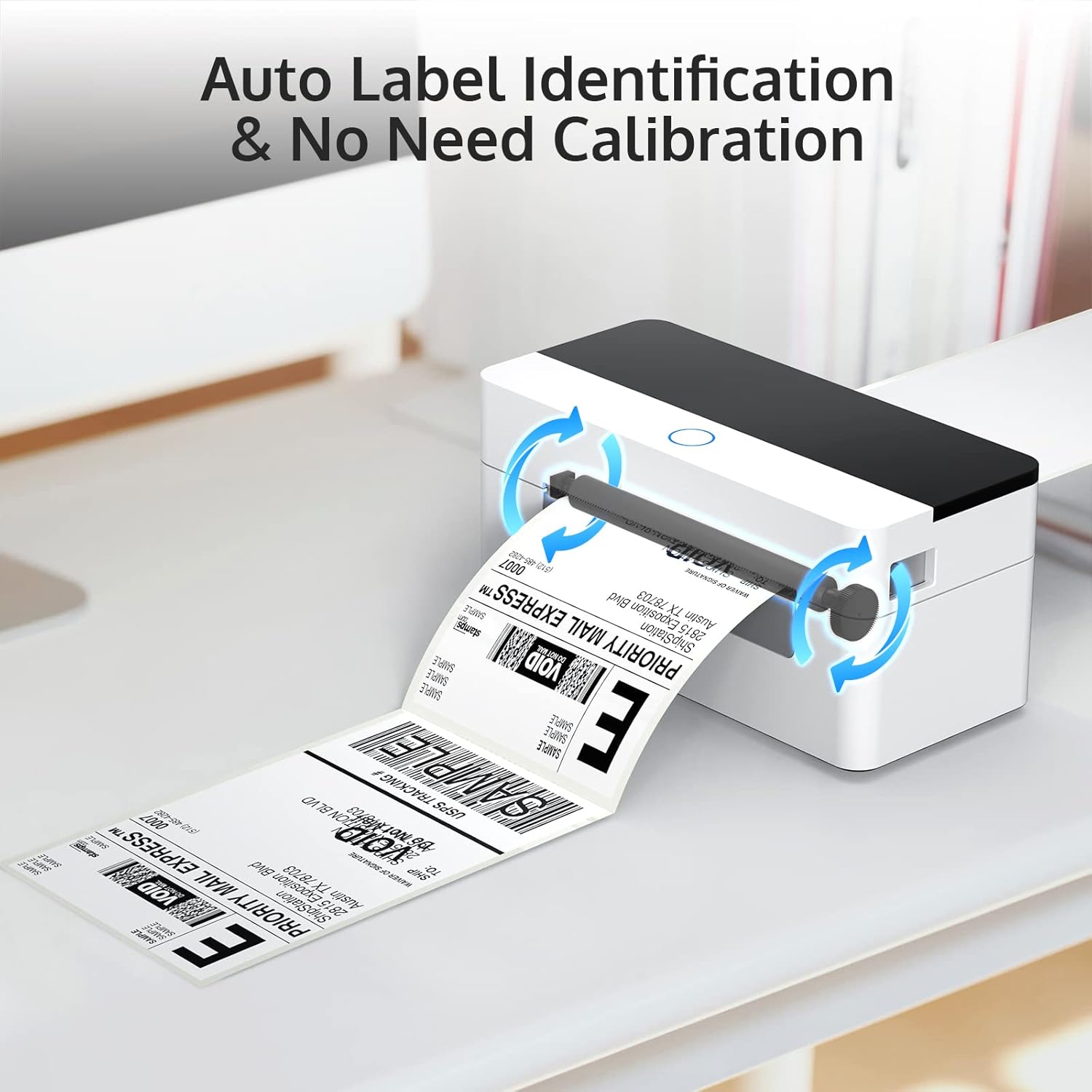
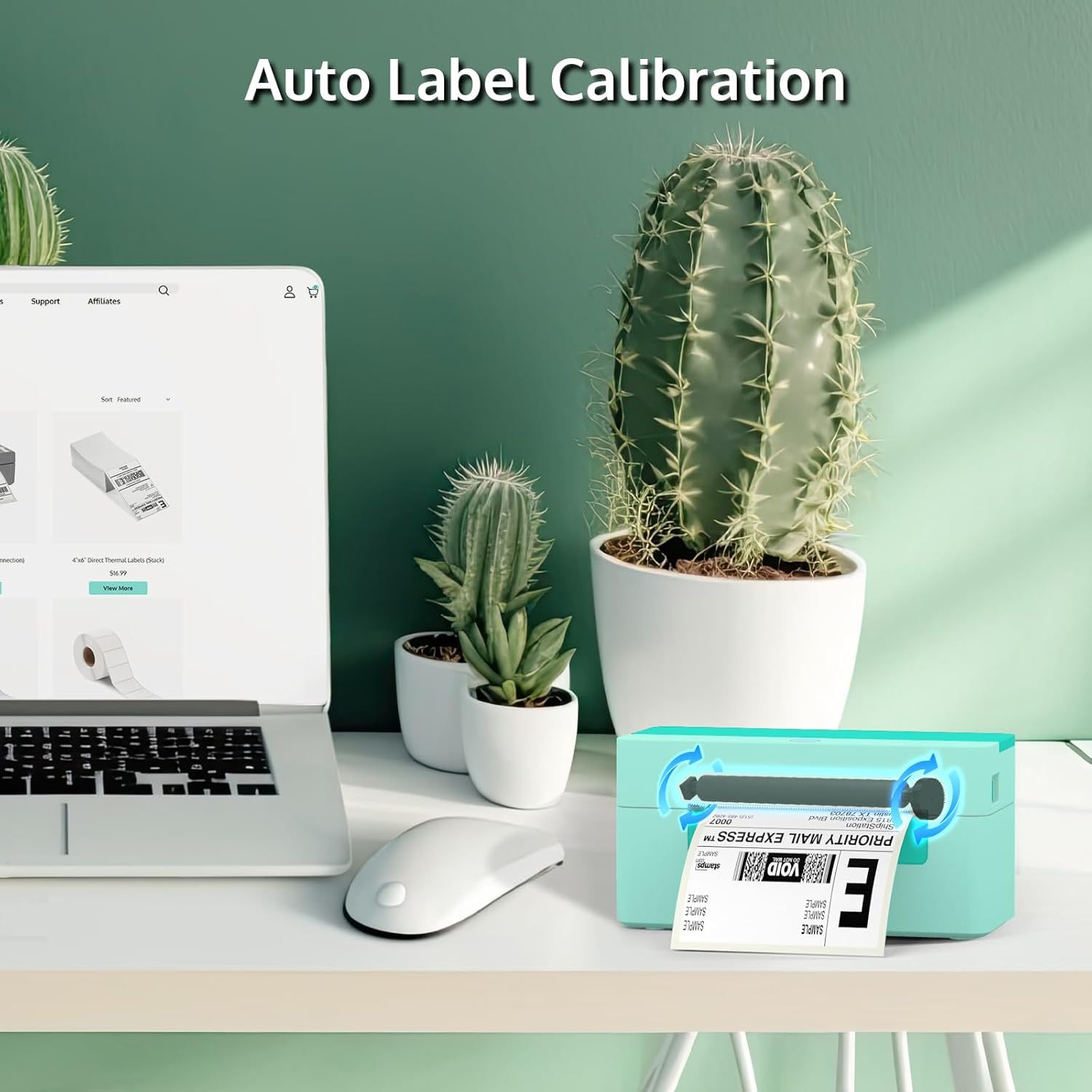
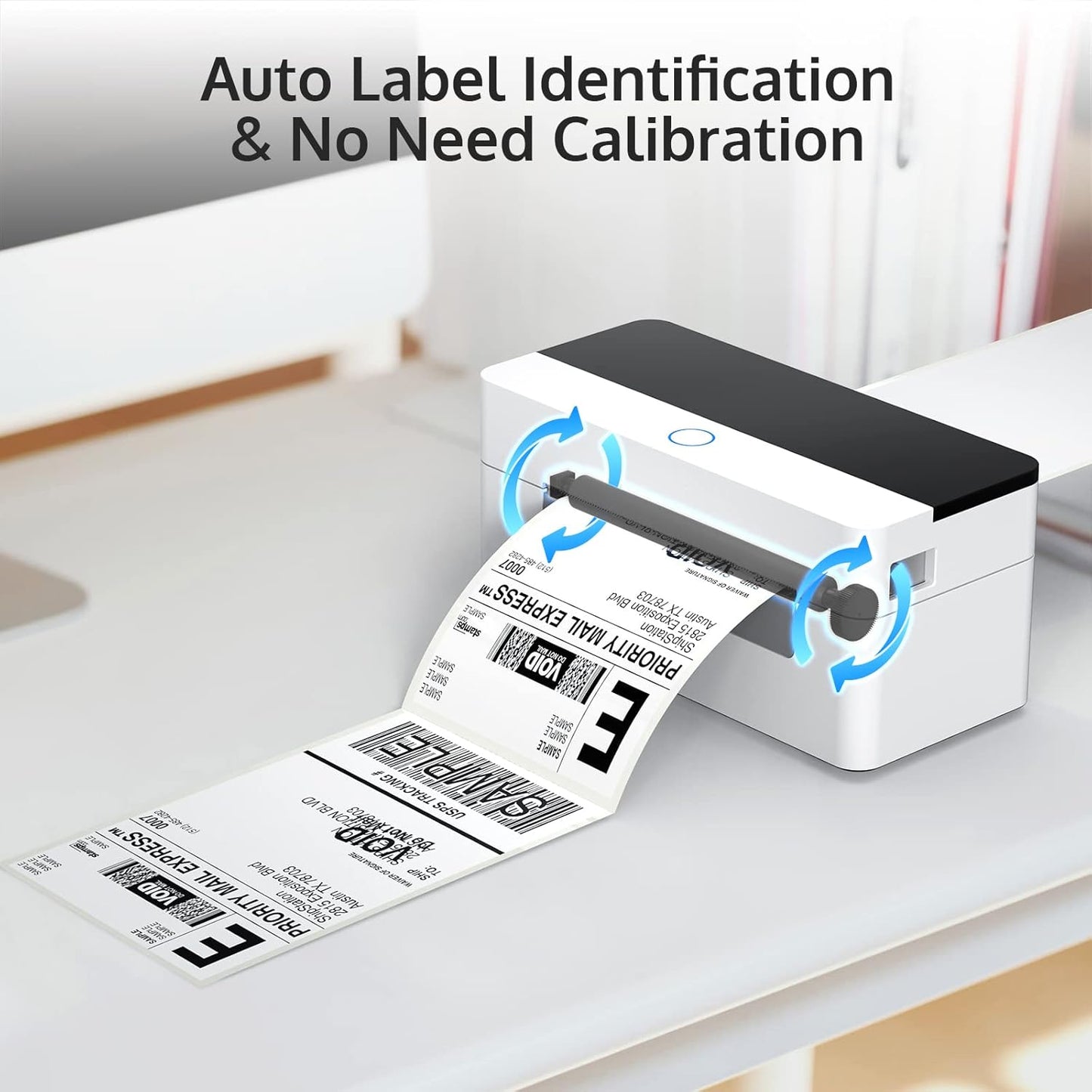
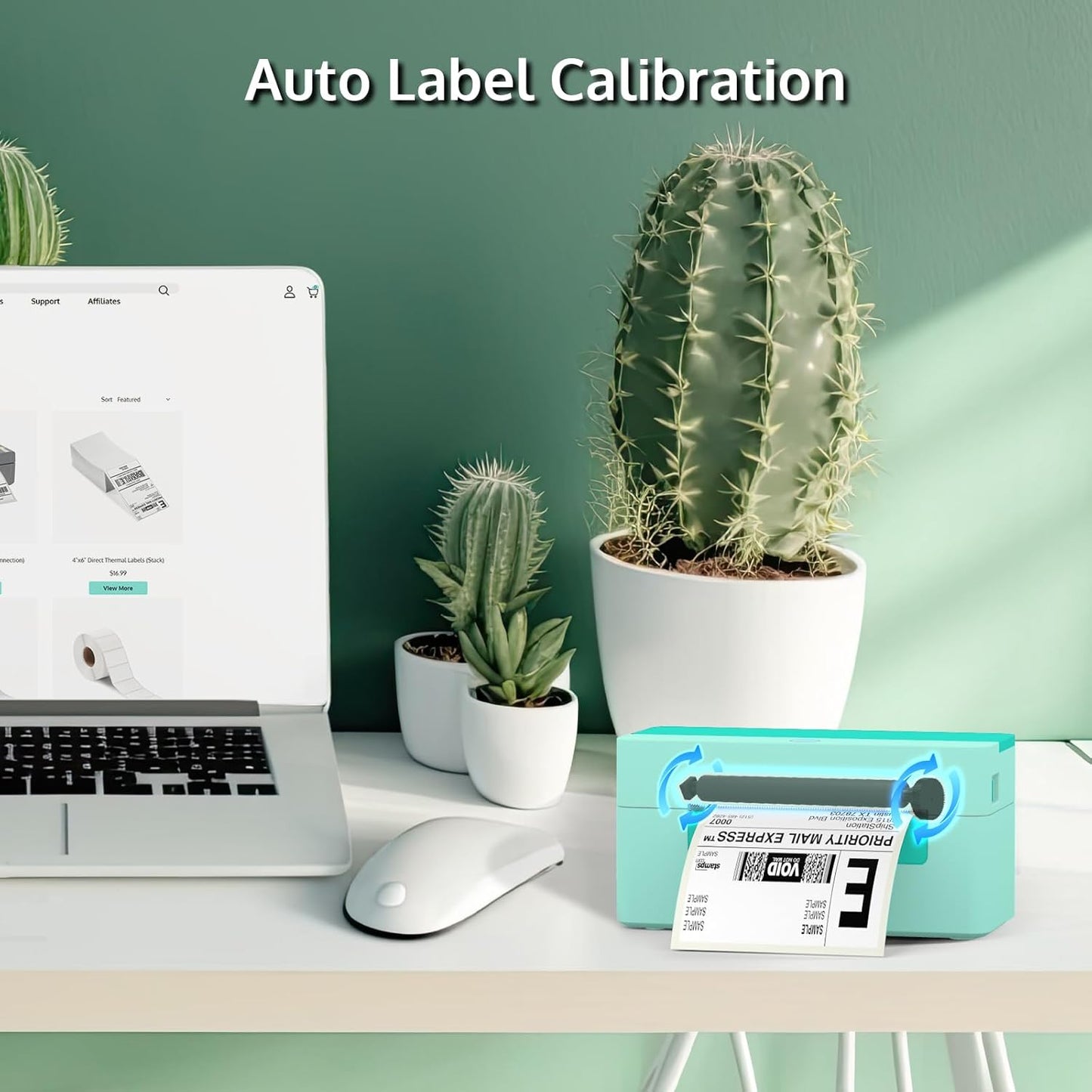
Auto Calibration Thermal Label Printer – No Manual Adjustment Needed
This auto calibration thermal label printer features intelligent label detection and automatic alignment. It accurately recognizes label gaps and sizes, reducing misprints and wasted labels. With plug-and-play setup, even first-time users can print professional labels in minutes—ideal for:
✔ New Etsy & Shopify sellers
✔ Home-based businesses
✔ High-volume fulfillment teams
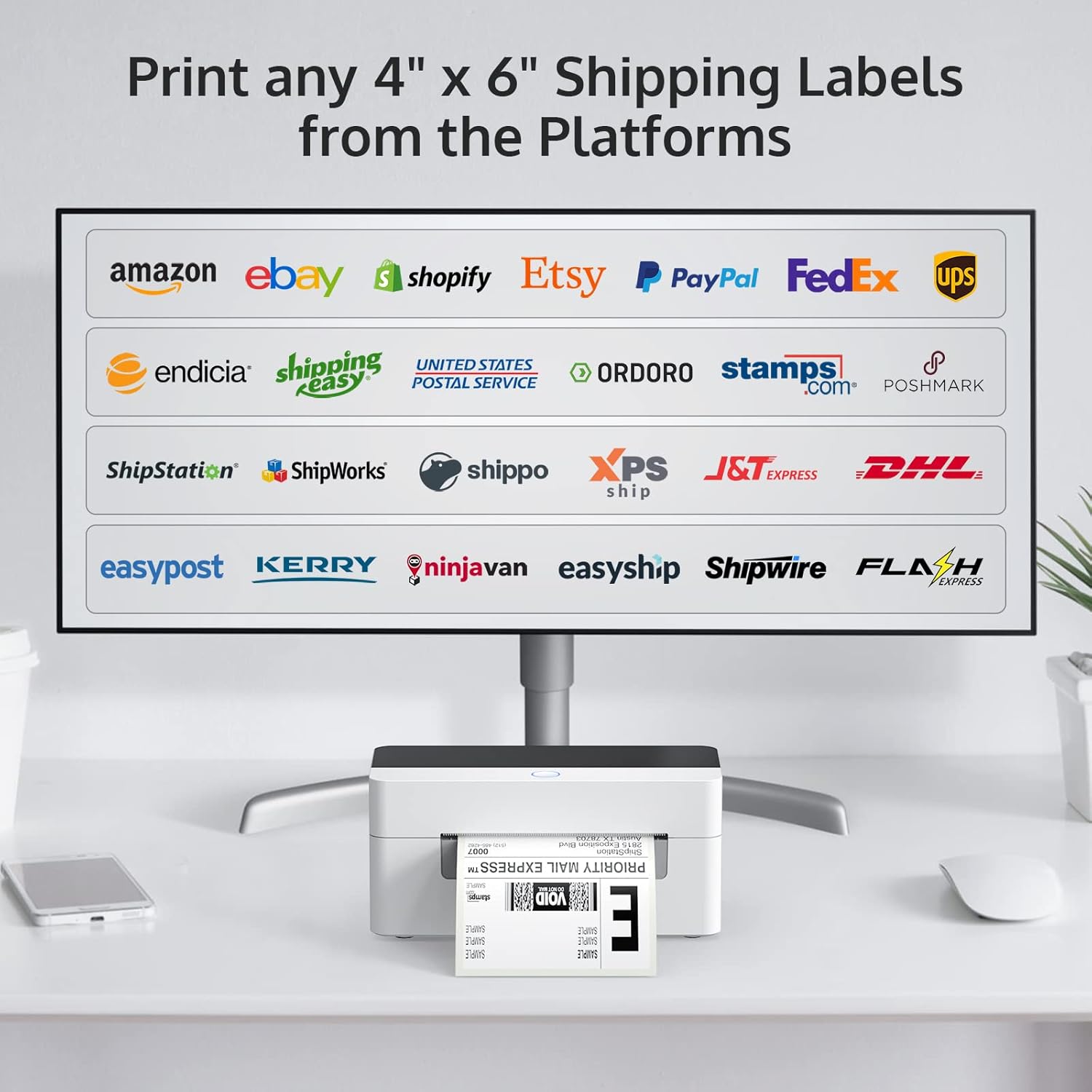
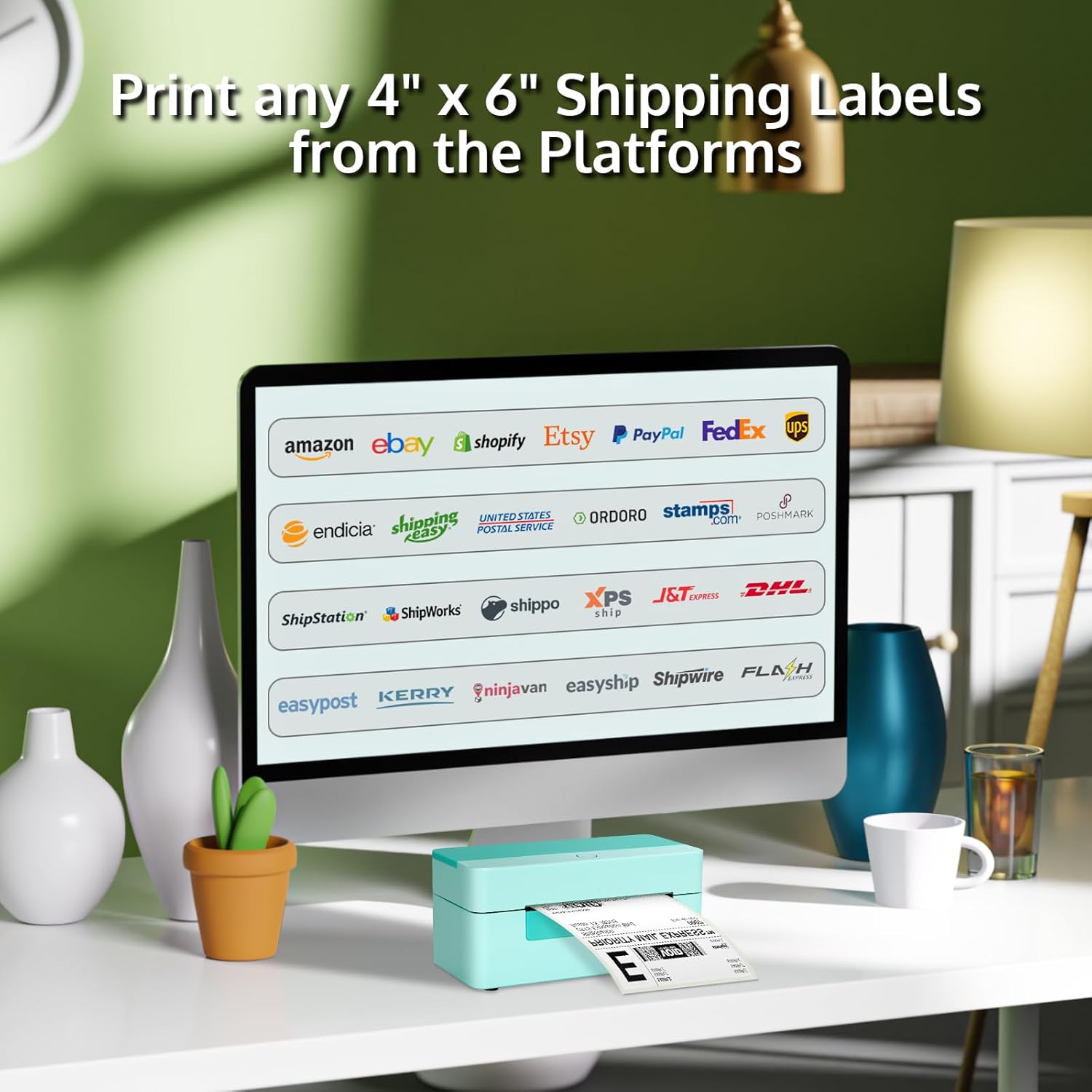
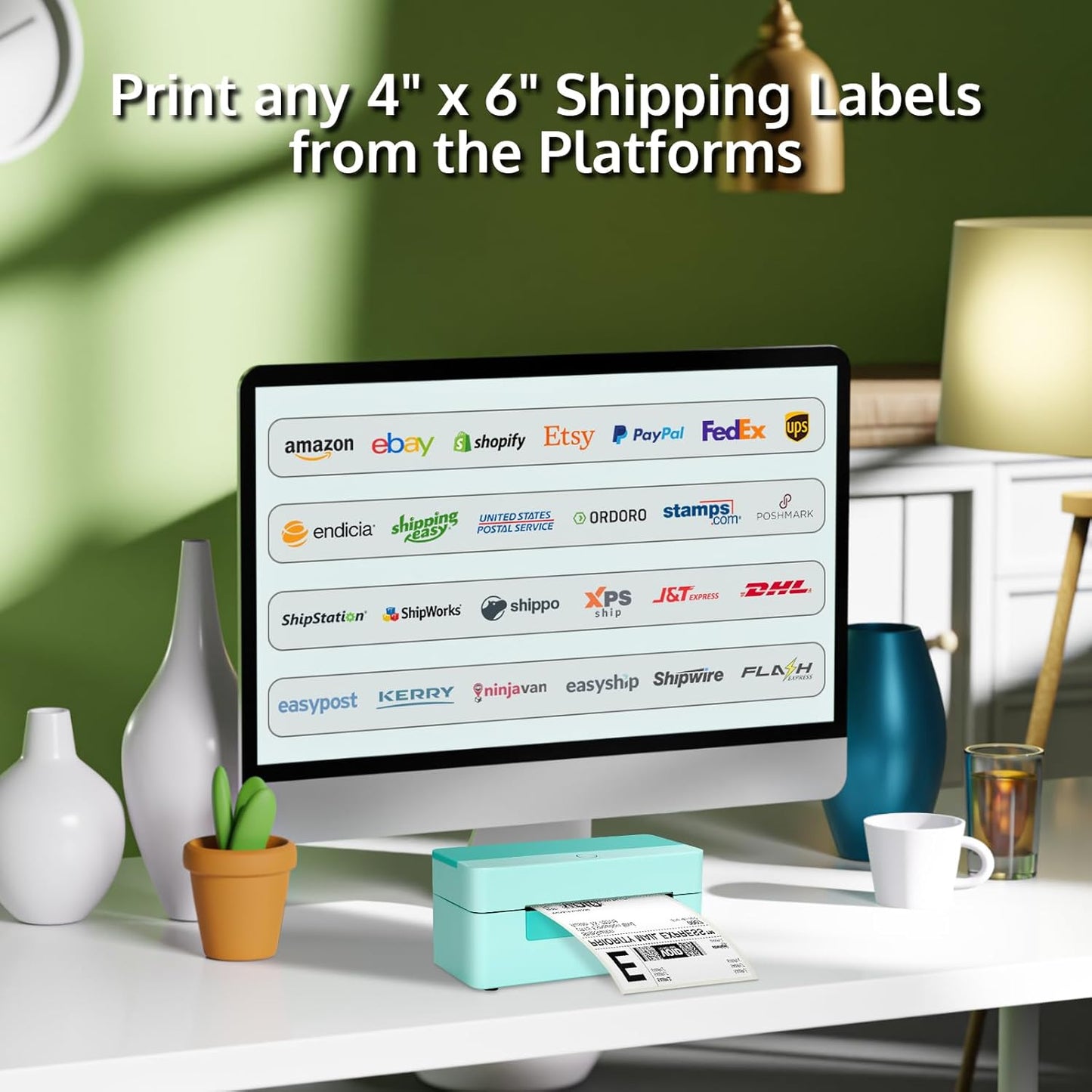
Compatible with USPS, UPS, FedEx & Major eCommerce Platforms
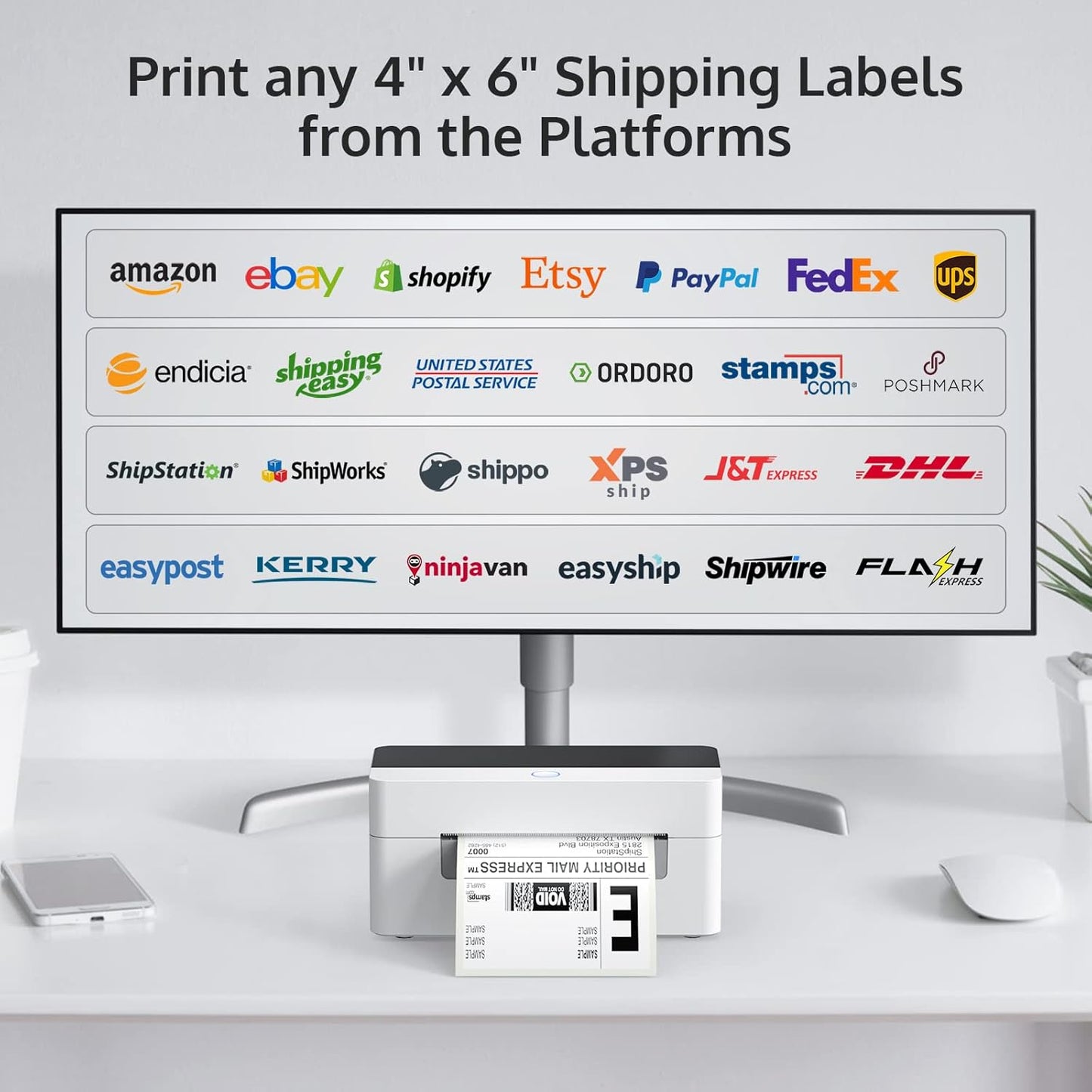
Print 4" x 6" shipping labels directly from leading carriers and platforms, including: USPS, UPS, FedEx, Amazon, Etsy, eBay, Shopify, Pirateship, ShipStation, and more
This thermal shipping label printer for small businesses works seamlessly with free shipping label software, helping sellers process orders faster and reduce fulfillment time.
High-Speed Thermal Shipping Label Printer for Daily Business Use
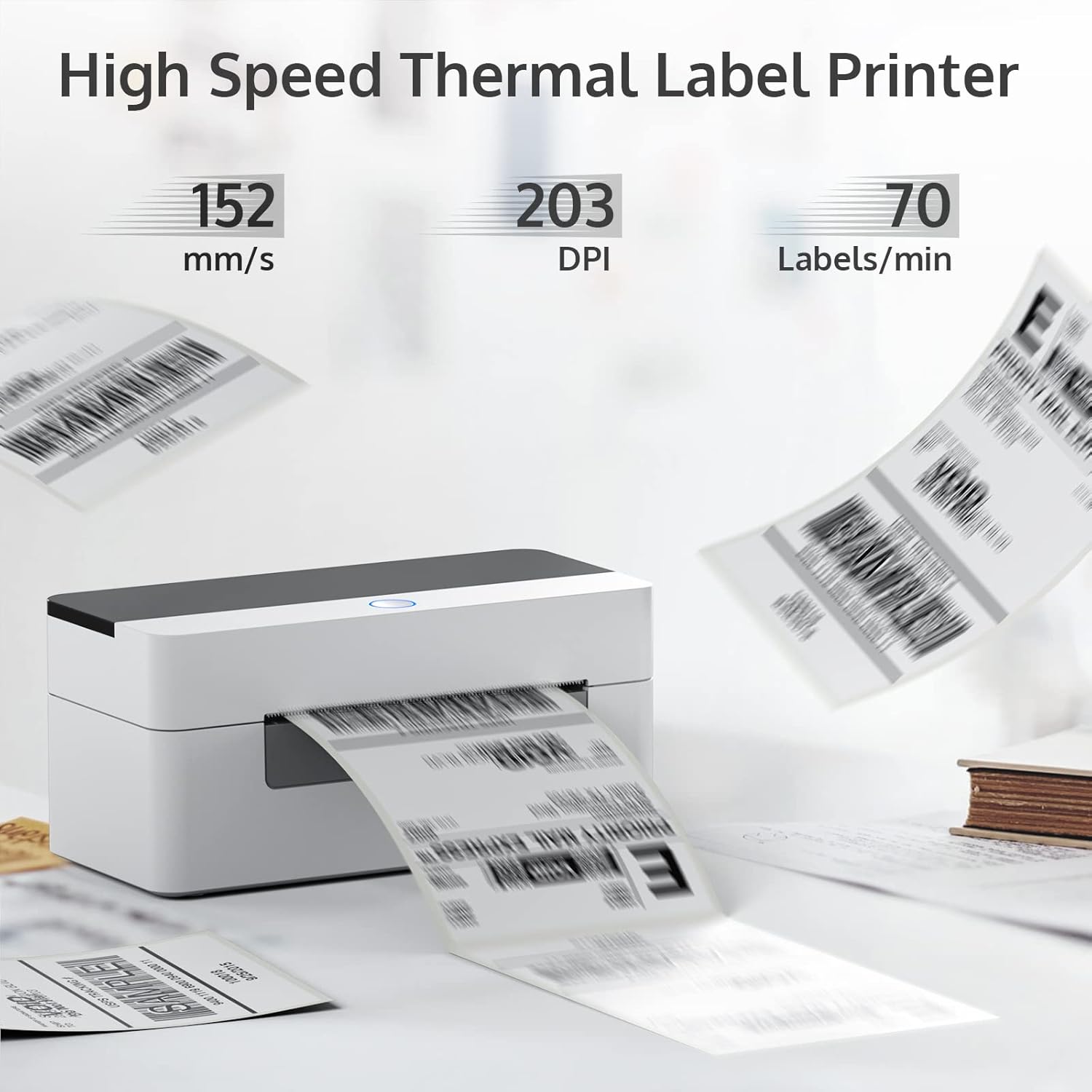
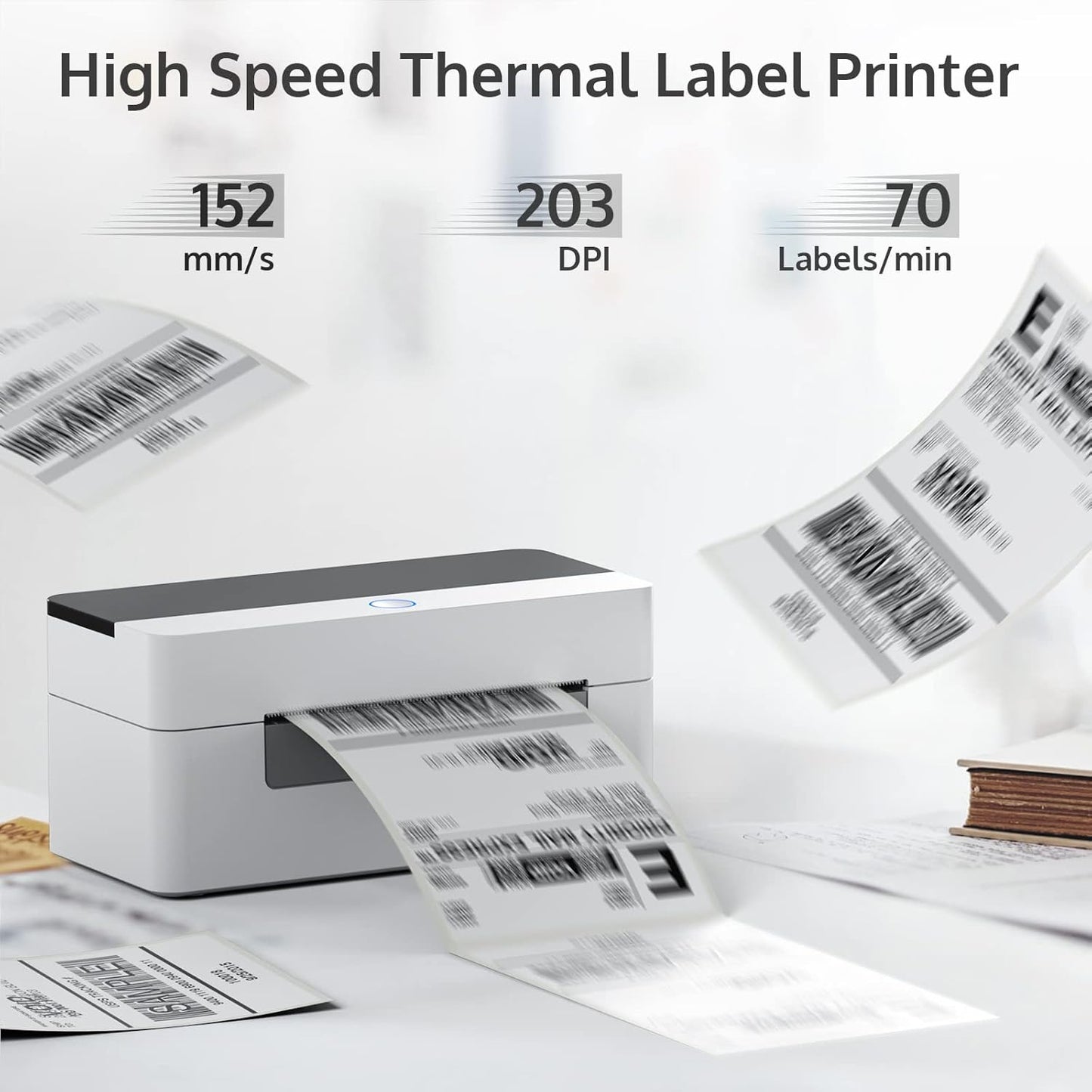
With a print speed of 150 mm/sec, this high-speed thermal label printer can produce up to 80 4x6 shipping labels per minute, supporting continuous operation for 12+ hours per day.
Recommended: Bluetooth Thermal Label Printer for Mobile & Wireless Printing
If you want wireless flexibility, consider the bluetooth-enabled thermal label printer model ZPL-2054N — a great companion or alternative to the USB-only 4B-2054N:
⚡Bluetooth connectivity lets you print labels directly from smartphones and tablets (iOS & Android) using a compatible app. Also supports USB connection for Windows & Mac when needed.
⚡Works with the same 4" x 6" shipping labels and popular eCommerce platforms like Amazon, Etsy, eBay, and Shopify.
⚡Compact and portable, ideal for home offices, mobile workstations, warehouse carts, and flexible printing setups.
⚡Wide device compatibility: Print wirelessly from iOS, Android, Windows, and Mac OS.
👉Perfect choice if you need the freedom of wireless printing for shipping labels, barcodes, and inventory tags without being tied to a desktop.